Clinical documentation tools can feel confusing, especially when the schedule is packed and charts are piling up. Many teams are hearing about ambient clinical documentation, AI scribes, and dictation, often in the same meeting, as if they are the same thing. They are not. Each one changes what happens in the exam room, how patients feel, and what your compliance and legal teams worry about.
Here we will break down what these tools really do, what your patients actually see and hear, and how to set realistic expectations with leadership and compliance. We work with Dragon-based dictation, AI medical scribes, and healthcare compliance monitoring every day, so our goal is to give you a clear field guide, not more buzzwords.
From Buzzwords to Bedside
Think of a hot July clinic day. Half the staff is out, slots are double-booked, the inbox is full, and unfinished notes are stacking up right when quality reporting and audits are on the horizon. That is usually when a new "AI note solution" shows up.
The problem is simple. Different people use different terms for the same tools, vendors sometimes blur lines to make products sound magical, and compliance teams often hear "AI" and think risk, not relief.
What you need is a plain explanation of what each tool does in the room: where the microphone is, what is being recorded, when the note appears, and who is legally responsible for the note. Once that is clear, it is much easier to calm nervous patients, answer compliance questions, and protect your own license.
What Ambient Clinical Documentation Really Means
Ambient clinical documentation is a style of continuous listening. Instead of you giving speech commands, the system listens to your normal conversation with the patient and builds a note in the background.
In the room, that usually means:
- A wall device, ceiling mic, or mobile device is listening during the visit
- You talk with the patient as usual, with little or no typing
- After the visit, you review and edit the draft note before signing
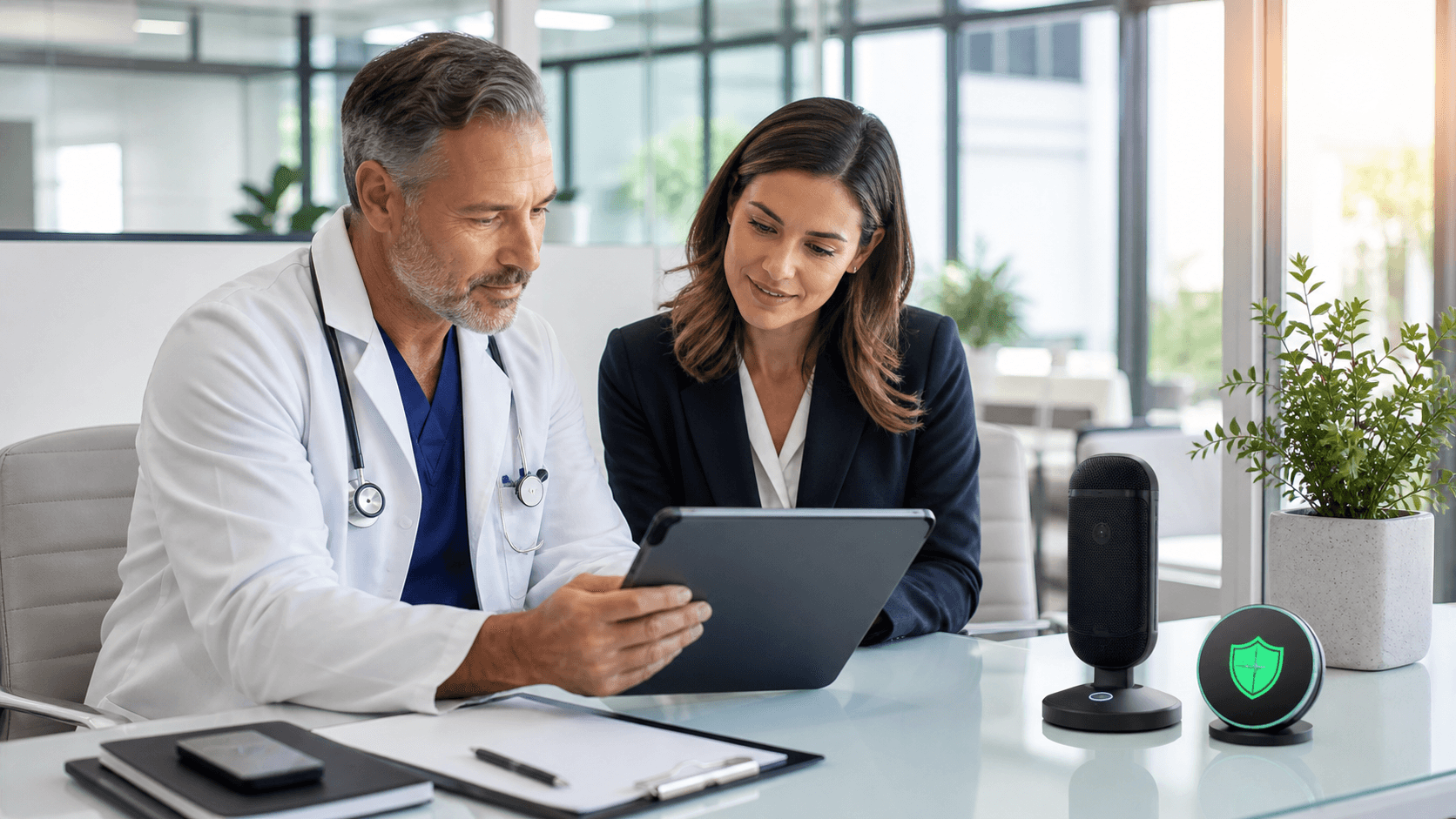
Patients may notice a device, an icon on the screen, or a sign that says audio is being recorded. Clear, simple language helps, including guidance at check-in and in the room:
- At check-in: "Some of our exam rooms use secure audio tools to help your clinician with charting. You can ask your clinician for more details and you can say no if you prefer."
- In the room: "You may see this device. It helps me turn our talk into notes so I can focus more on you and less on the keyboard."
Compliance and oversight questions often include:
- Who is the true author of the note? (The clinician, after review and sign-off.)
- Is audio stored, and if so, for how long and where?
- How is HIPAA honored and disclosed to patients?
- Does the vendor have a Business Associate Agreement?
Good workflows spell out how edits are made, how audit trails are reviewed, and when audio is deleted or retained.
AI Scribe Solutions: Human, Hybrid, and Automated
AI scribe tools take audio from the visit and turn it into a draft note. Ambient clinical documentation is one flavor of this, but not the only one. Some AI scribes work live, some from recordings, and some have human reviewers who clean up the note.
Inside the room, you might see:
- A phone, tablet, or computer app running while you talk
- Short pauses where you glance at a draft and confirm history or plan
- A note that appears soon after, ready for you to edit and sign
AI scribes can support:
- Richer narratives that link problems to assessments and plans
- Draft orders, referrals, and patient instructions, depending on the tool
They can also introduce risk:
- "Hallucinated" content that was never said
- Over-documentation that nudges coding higher than reality
- Wrong attributions, for example putting a family history detail in the wrong section
Compliance teams often want clear guardrails around how these drafts become part of the legal record. In practice, that usually means:
- Clear policy that the clinician is the final legal author
- Spot checks for cloned language and overcoding
- Rules for how to correct AI-generated text so edits are visible
The more consistent your corrections and prompts, the safer and more reliable these notes become.
Dictation and Dragon: the Quiet Workhorse
Clinical dictation, including Dragon-based tools, is still the daily workhorse for many clinicians. You speak directly into the EHR or a dictation window and your words appear on the screen.
Typical room patterns look like:
- You talk with the patient, then turn to the screen and dictate a summary
- Or you wait until after the visit and dictate in batches, sometimes late into the afternoon
Compared to AI scribes and ambient tools, dictation offers:
- High control, you decide what is in the note
- No invented content, the text comes from your voice
- Familiar workflows that are easier to keep steady during busy seasonal peaks like school and sports physicals
Limitations still matter. When you are rushed, key elements can be missed, and overuse of templates can lead to copy-paste problems.
Well-tuned Dragon commands, macros, and structured templates can:
- Reduce clicks
- Prompt for required quality elements
- Help keep notes consistent for audits and risk reviews
Setting Expectations Across Patients, Compliance, and Leadership
When any new documentation tool shows up, clear framing helps everyone stay calm.
With patients, keep it brief and honest:
- "This tool helps me listen better and spend less time typing."
- "Your information is protected like the rest of your medical record."
- "If there is anything you do not want recorded, tell me and we can pause it."
Sensitive visits, like adolescent care or discussions about mental health, may call for turning off ambient tools for part of the visit or summarizing sensitive sections with dictation instead of live recording.
With compliance and legal teams, share the practical materials they need to evaluate and monitor risk:
- A simple map of where audio and text go
- Copies of BAAs
- Draft policies on consent, signage, and opt-outs
- Plans for spot audits of AI-generated content
For clinicians, it helps to be honest about what these tools can and cannot do. They can shorten note time and reduce clicking, but they cannot fully remove your need to read, think, and sign the chart.
Many teams do well with a phased path:
- Start by improving existing dictation workflows
- Add AI scribes for heavy-documentation clinics
- Pilot ambient clinical documentation where patient volume and room setups make sense
As seasons shift and clinics head toward busier reporting periods, good metrics include:
- Time spent on documentation
- Note completeness for required elements
- Coding accuracy and stability
- Patient satisfaction related to communication and trust
The goal is simple: choose the mix of tools that lowers your documentation burden while keeping you firmly in control of the note and aligned with compliance, risk, and patient expectations.
Transform Your Clinical Workflow With Smarter Documentation
If you are ready to reduce after-hours charting and refocus on patient care, our ambient clinical documentation solution can help streamline your daily workflow. At Dictation Direct, we work closely with your team to tailor workflows that fit your specialty and existing systems. Let us show you how quickly you can move from manual note-taking to efficient, accurate clinical narratives. To explore options or request a demo, simply sign up for a consultation today.