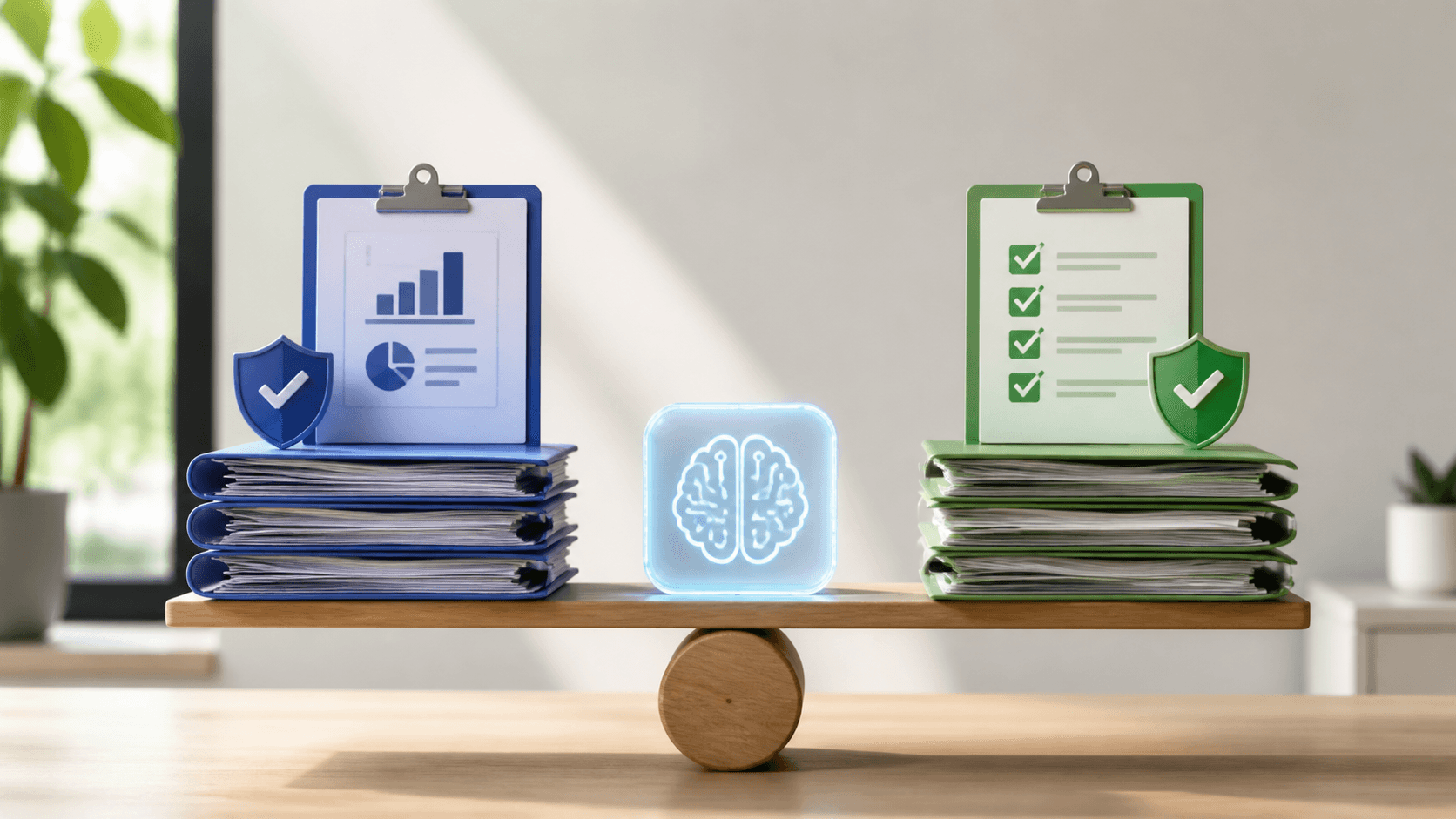
Build Documentation That Supports Safer Care
Reliable clinical documentation does more than close out a note. It helps care teams understand what happened, supports accurate records and reimbursement, protects patient information, and gives organizations a clearer way to meet their responsibilities.
At Dictation Direct, we see the strongest results when Microsoft Dragon Copilot documentation is supported by clinician review, EHR integration, and documentation governance rather than handled as a separate project. When these processes support one another, you can reduce unnecessary friction for clinicians while creating clearer paths for review and approval.
The goal is not to ask clinicians to choose between thorough notes and meaningful patient time. We help teams build workflows that capture relevant clinical context efficiently while keeping the clinician responsible for reviewing, editing, and approving the final record.
Policies matter, but a policy stored in a binder cannot guide note review, clarify approval responsibilities, or show how documentation standards are applied. Healthcare documentation workflows work best when they give people practical tools and repeatable processes for doing the right work at the right time.
July is a useful point for taking stock. Before year-end compliance reviews and operational planning begin to crowd the calendar, we recommend looking closely at where documentation slows people down, where clinician review and approval need clearer support, and where documentation governance needs attention.
Define a Workflow That Connects Care and Compliance
A dependable workflow begins at the point of care. Clinical information is captured with Microsoft Dragon Copilot, the clinician reviews it, the record is completed in the appropriate EHR system, and the organization maintains clear expectations for documentation governance, appropriate access, auditing, and follow-up. Each stage needs an accountable owner, not a vague handoff.
We encourage teams to map the workflow in plain language:
- How and when clinical details are captured with Microsoft Dragon Copilot
- Who reviews, edits, and approves the final documentation
- How completed documentation integrates with the EHR
- How documentation governance, privacy safeguards, and audits are managed
- When leaders review patterns and improvement opportunities
Connected technology can make this work easier to manage. Microsoft Dragon Copilot can reduce manual effort during note creation, while EHR integration and documentation governance help organizations maintain a consistent process. The purpose is not to create more paperwork. It is to make documentation work more focused and consistent.
Useful measures should be practical enough to guide improvement without becoming another administrative task. We often suggest tracking documentation completion patterns, clinician adoption and satisfaction, note review and approval timeliness, documentation accuracy, workflow fit, and adherence to documentation governance. These measures can show where a process needs support, training, or clearer ownership.
Capture Clinical Context with Microsoft Dragon Copilot
Microsoft Dragon Copilot brings together ambient and voice-driven documentation capabilities to support clinical note creation. For clinicians who spend too much of the day typing, switching screens, or trying to reconstruct a visit later, this approach can help capture relevant patient details with fewer workflow interruptions.
Technology-generated documentation still requires human judgment. We recommend a workflow in which clinicians review, edit, and approve documentation before it becomes part of the patient record. That review step protects accountability and gives clinicians control over the accuracy and completeness of the final note.
Successful adoption is a clinical change-management effort, not simply a software rollout. Before implementation, we work with teams to identify the workflows most likely to benefit, set clear documentation standards, and align the process with existing clinical and EHR practices.
Training should also reflect how people actually work. Clinicians need time to learn effective voice and ambient workflows, understand what must be reviewed, and know where the process fits into their day. With expert-guided implementation, we help you shape Microsoft Dragon Copilot around your operational needs rather than forcing clinicians into an unfamiliar routine.
Put a Connected Compliance Plan Into Action
Microsoft Dragon Copilot can support a documentation workflow built around efficient note creation, clinician review and approval, EHR integration, and clear documentation governance. Appropriate privacy and compliance safeguards help support the handling of clinical information throughout the process.
Start with a practical assessment of your current process. Look for where clinicians lose time documenting care, where note review and approval create delays, and where documentation standards need clearer support. The most reliable workflow is one your people can follow consistently, understand clearly, and improve over time.
Bring Clarity To Compliance Priorities
At Dictation Direct, we help healthcare organizations implement Microsoft Dragon Copilot documentation workflows with clinician review, approval, and appropriate documentation governance. Learn about Microsoft Dragon Copilot. When you are ready to discuss your priorities, sign up for a consultation with our team.