Stop Fighting Your EHR and Start Fixing Documentation
AI scribes sound great until someone says the quiet part: nobody is replacing the EHR this summer. Clinics are short-staffed, doctors are covering for each other, and everyone is already stretched. Pushing a new EHR into that mix is not just hard, it is almost impossible.
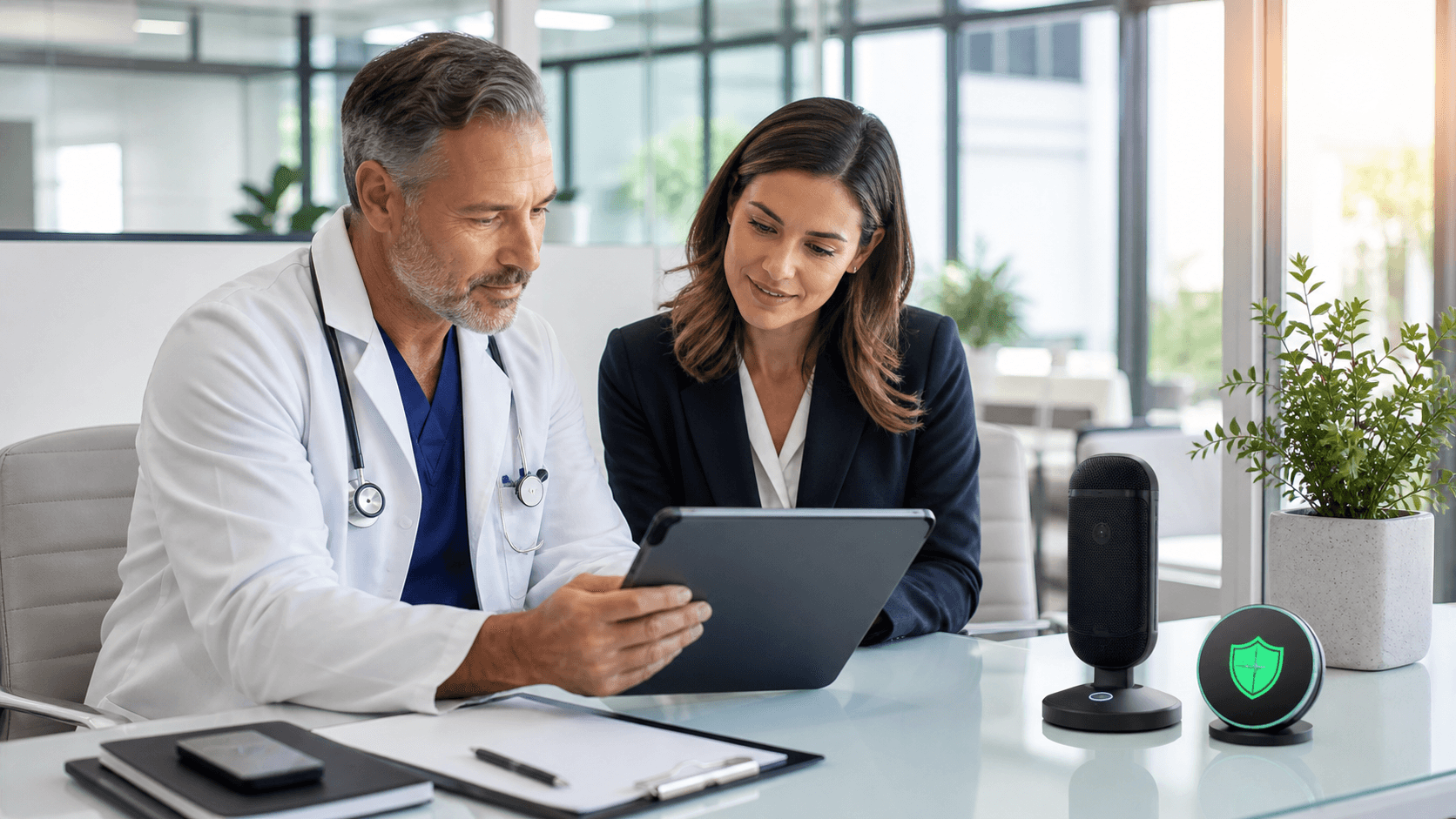
The real problem is not the EHR itself, it is the clicks, copy-paste, and late-night notes that sit on top of it. Doctors are tired of pajama time, but IT and compliance teams still need stability and control. So we need something different, an AI scribe for doctors that works beside the EHR you already have, not instead of it.
That is where tools built around Dragon and Nuance come in. They sit on top of your current system, respect your security rules, and help you get notes done faster with your voice. Our goal here is to give you a clear way to judge those options so you can ease the documentation load before summer turns into fall.
Why Doctors Want AI Scribes Without a New EHR
Switching EHRs is not like swapping out a phone app. It affects every visit, every lab order, every refill. During summer, when vacations and coverage gaps are already in play, that kind of disruption can ripple through the entire organization.
An AI scribe for doctors is different. It does not replace the EHR, it plugs into the visit and the note. At a simple level, it includes things like:
- Ambient listening that turns conversation into a draft note
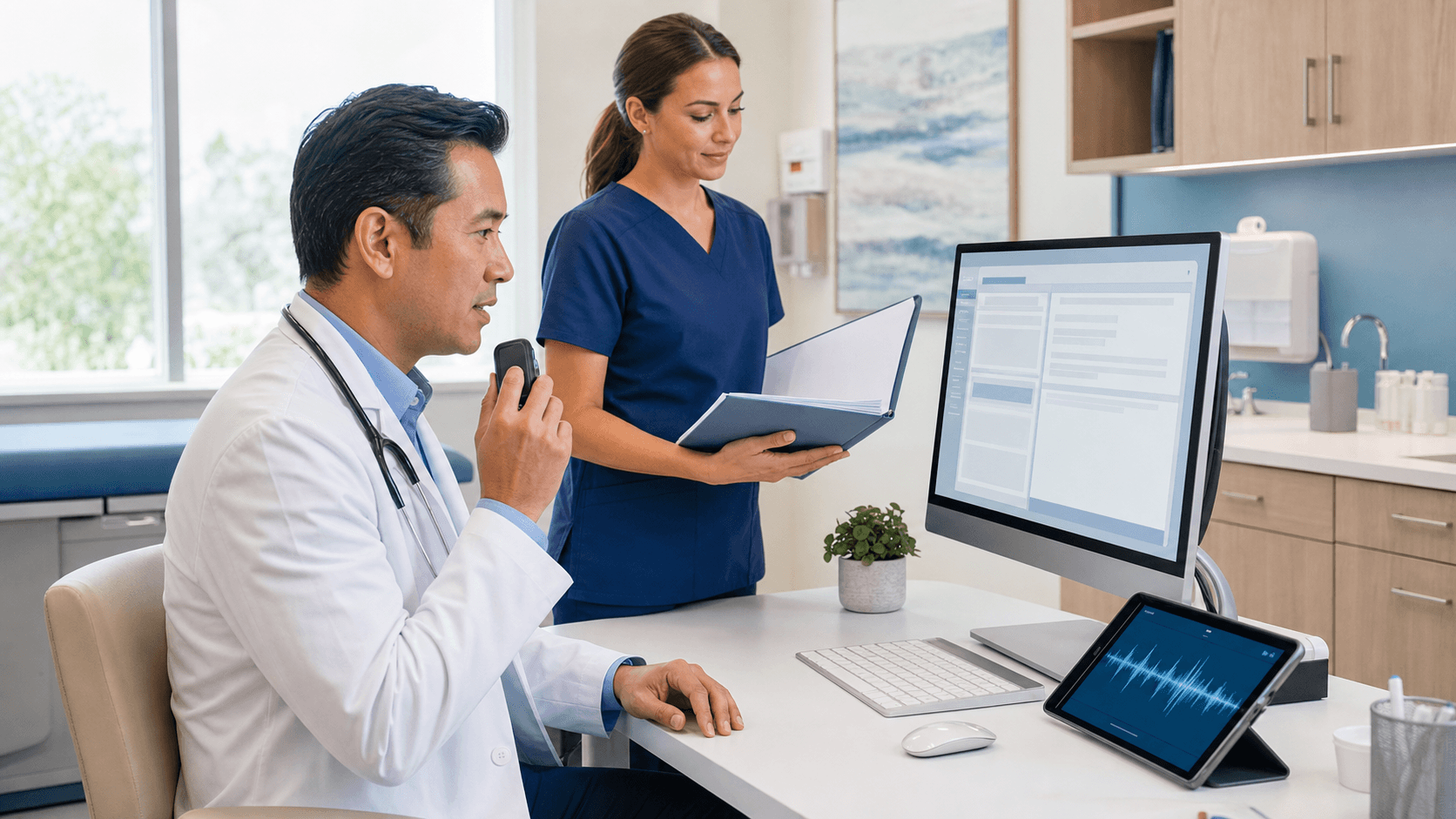
- Medical dictation that understands clinical language
- Automatic summaries that flow into your existing charts
From the clinician side, the wish list is pretty clear:
- Less time finishing notes after dinner
- Better narrative, not just more boxes checked
- Strong voice recognition with tools like Dragon
- Notes showing up right where they already work in the EHR
IT and admin teams have their own list. They care about:
- Keeping the current EHR stable
- Clean integrations with systems like Epic, Cerner, or Meditech
- Speech tools backed by Nuance technology
- A predictable setup that does not surprise compliance or security
When both sides agree that the EHR stays, the question shifts from "Which system replaces it?" to "What can sit on top of it and make it livable?"
What an AI Scribe Must Do to Fit Your EHR
Not every AI scribe fits every EHR. Some tools look great in a demo, then hit a wall once they meet your workflows. To avoid that, it helps to look at a few key areas right away.
On the integration side, you want:
- Direct or indirect connectivity with your EHR
- Support for your common templates and note types
Clinical performance matters just as much. Does the scribe understand:
- Specialty-specific terms, orders, and abbreviations
- Complex visits with several problems and plans
- The way each physician thinks, reasons, and explains care
Then there is compliance and safety. Any AI scribe touching PHI should sit inside strong guardrails, like:
- HIPAA-aligned workflows and storage
- Clear audit trails that show who did what and when
- Role-based access so the right people see the right data
- Speech recognition based on Nuance-grade technology to lower the risk of wrong words in the chart
Operational fit is the final piece. During summer, nobody has time for a long learning curve. The scribe should:
- Take minimal training to start
- Work in telehealth and in-person settings
- Scale from a single pilot doctor to a full group without chaos
Dragon Medical One as the Hub for Your Dictation
For many groups, Dragon Medical One becomes the base layer that ties all of this together. Because it is cloud-based, vocabularies stay fresh, and clinicians can move between clinic, home, and hospital without losing their voice tools.
In day-to-day use, Dragon Medical One helps doctors:
- Dictate directly into the same EHR fields they already use
- Trigger commands with their voice so fewer clicks are needed
- Combine dictation with ambient or assistant tools without touching the underlying system
From an IT and compliance view, there are clear benefits too. With Dragon Medical One, teams can:
- Manage users and profiles from a central console
- Rely on secure cloud architecture backed by Nuance and Microsoft technology
- Keep configurations consistent across locations and service lines
At Dictation Direct, we see the most success when deployment is tailored by specialty instead of pushed as a generic tool. That often looks like:
- Mapping Dragon workflows to specific clinic patterns
- Providing both on-site and remote training so staff are supported
- Tuning templates, macros, and voice commands for how your doctors already work
Adding Ambient Scribing with Dragon Ambient Experience
Once voice dictation is in place, many groups look to add ambient scribing. Dragon Ambient eXperience, often called DAX, listens to the conversation in the exam room, then turns that talk into a structured clinical note that flows back into the EHR.
DAX can help in several settings:
- Busy outpatient clinics that need to move fast
- Urgent care, where visits are short but intense
- Complex consultations that demand full attention on the patient, not the keyboard
Common questions come up right away, such as:
- Can clinicians control when DAX is listening?
- How do we explain it and get consent from patients?
- What does the review and sign-off process look like?
- Will the final note hold up from a legal and compliance view?
Those concerns are healthy. The answer is usually not "turn it on everywhere," but "turn it on in the right places, with clear rules." That is where strong setup helps. Our work at Dictation Direct focuses on:
- Pairing DAX with your existing Dragon Medical One base
- Adjusting templates and note structure for each specialty
- Tracking satisfaction and documentation time so you know if it is working
Turn Your Existing EHR Into a System Doctors Can Live With
The key idea is simple: you do not need a new EHR to get the benefit of an AI scribe for doctors. When tools like Dragon Medical One and Dragon Ambient eXperience are set up well, your current system starts to feel less like a wall of clicks and more like a place where stories and data come together.
A practical way to move forward is to:
- Map the main documentation pain points for your doctors
- Pick one specialty or service line as a pilot
- Align Dragon and, if it fits, DAX with that exact workflow
- Watch note quality, completion time, and after-hours work through the late summer and into fall
At Dictation Direct, we focus on building that kind of roadmap around the Dragon tools you already own or are ready to add, then helping IT and compliance teams feel comfortable with each step. The goal is not a shiny demo, it is a daily workflow that lets clinicians care for more patients, in heat and humidity or in cooler seasons, without drowning in documentation.
Transform Your Clinical Notes Into More Time With Patients
If you are ready to spend less time charting and more time practicing medicine, our AI scribe for doctors can help streamline your documentation workflow. At Dictation Direct, we work closely with your team to tailor secure, accurate note-taking that fits your specialty and existing systems. Set up a consultation with us today so we can walk you through how implementation works and what results to expect.