Mobile clinics work in tight spaces, on tight schedules, in the middle of real life. There is noise, heat, wind, kids, traffic, and a long line of patients waiting. Good documentation still has to happen, and it has to be accurate, clear, and compliant. That is where medical dictation software for Mac can change the way mobile teams work.
In this article, we will walk through how voice-first tools like Dragon-powered dictation, AI medical scribes, and compliance monitoring can fit into a Mac-based mobile workflow. We will focus on summer outreach, when schedules are packed and the margin for error gets small, and show practical ways to make documentation faster and less stressful.
Transforming Mobile Clinics with Voice-First Documentation
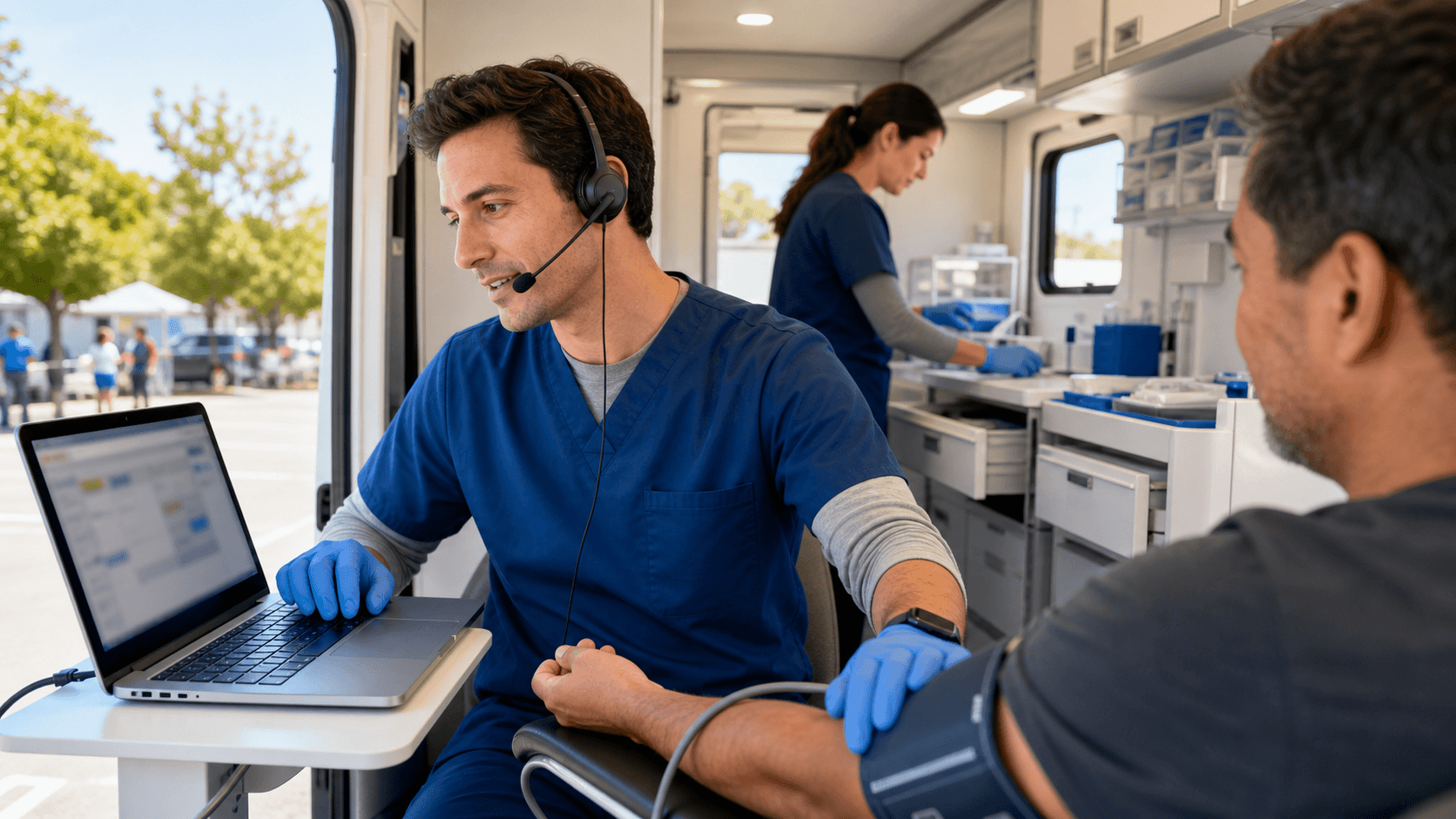
Picture a mobile team in a parking lot on a hot summer afternoon. They are moving fast, seeing kids for sports physicals, giving vaccines, checking blood pressure, and answering family questions. Every visit needs a proper note, but there is not much room or time.
Mac laptops and MacBooks are common in these units because they are light, have strong battery life, and offer solid security. When we add medical dictation software for Mac, those devices become a place to capture rich clinical stories in real time. Instead of typing between patients, the clinician can talk through findings while walking to the next exam area.
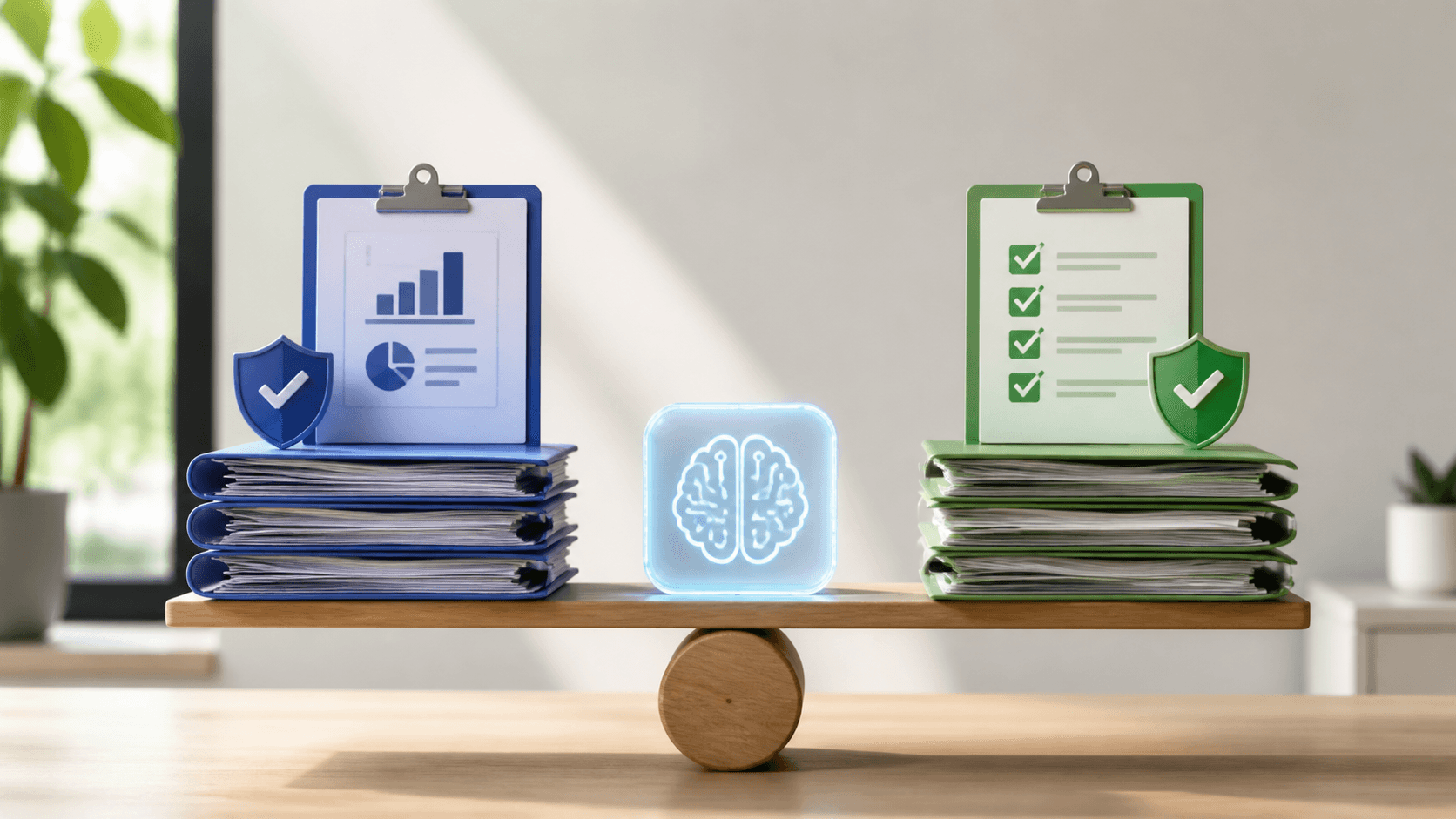
When Dragon-powered dictation, AI medical scribes, and compliance monitoring work together, they can:
- Cut down on after-hours charting
- Help keep notes complete and consistent
- Lower stress during long outreach days
- Support better follow-up and care quality
Why Mobile Clinics Need Smarter Mac-Based Workflows
Summer brings a heavy mix of visits. Mobile teams cover sports physicals, school and camp forms, migrant worker health checks, and community outreach events. Days are long, locations change often, and patient volume can grow fast when the weather is warm and people are outside.
Mobile units face some common limits:
- Intermittent Wi-Fi or weak cellular signals
- Loud environments like gyms, parks, and fairgrounds
- Little desk space, often just a small counter in a van
- Frequent setup and tear-down, plus travel time between stops
- Mixed devices, including Macs, iPads, and phones
Medical dictation software for Mac fits into this world because it supports quick boot-up, fast logins, and instant dictation. A clinician can open the MacBook, speak the HPI and exam findings, then close the lid and move on. Voice workflows keep hands free to manage forms, vaccines, and equipment.
On the risk side, rushed or late documentation can mean:
- Coding errors or missed risk factors
- Incomplete consent language
- PHI exposure when notes are done in public spaces
Smarter Mac-based workflows help lower those risks by making it simple to capture accurate notes while care is still fresh.
Dragon-Powered Dictation on Mac for Fast, Accurate Notes
Dragon Medical-powered dictation can act as the backbone of field documentation on Mac. Instead of typing every detail, clinicians can speak through HPI, ROS, assessment, and plan in natural language. This keeps the clinical story strong without slowing down the day.
At Dictation Direct, we customize how Dragon behaves for typical mobile use cases, such as:
- Immunization and flu clinics
- Chronic disease screenings in community settings
- Occupational and sports exams
- School and camp clearance visits
We tune vocabulary, templates, and macros so that common terms, local programs, and frequent phrases are recognized and dropped into the right spots. That means fewer corrections and smoother notes.
Mobile teams often deal with low bandwidth. With the right setup, dictation can keep working in these situations, and then sync back to the EHR when the connection is stable again. Our expert-guided implementations on macOS help avoid common snags, like:
- Picking the right microphones for noisy vans or tents
- Setting secure user profiles on shared Mac devices
- Tying voice commands to specific EHR fields and forms
Specialized medical dictation software for Mac matters even more in mobile work. Generic consumer tools often need lots of cleanup, which steals time and focus in a setting where every minute counts.
AI Medical Scribes That Travel with Your Team
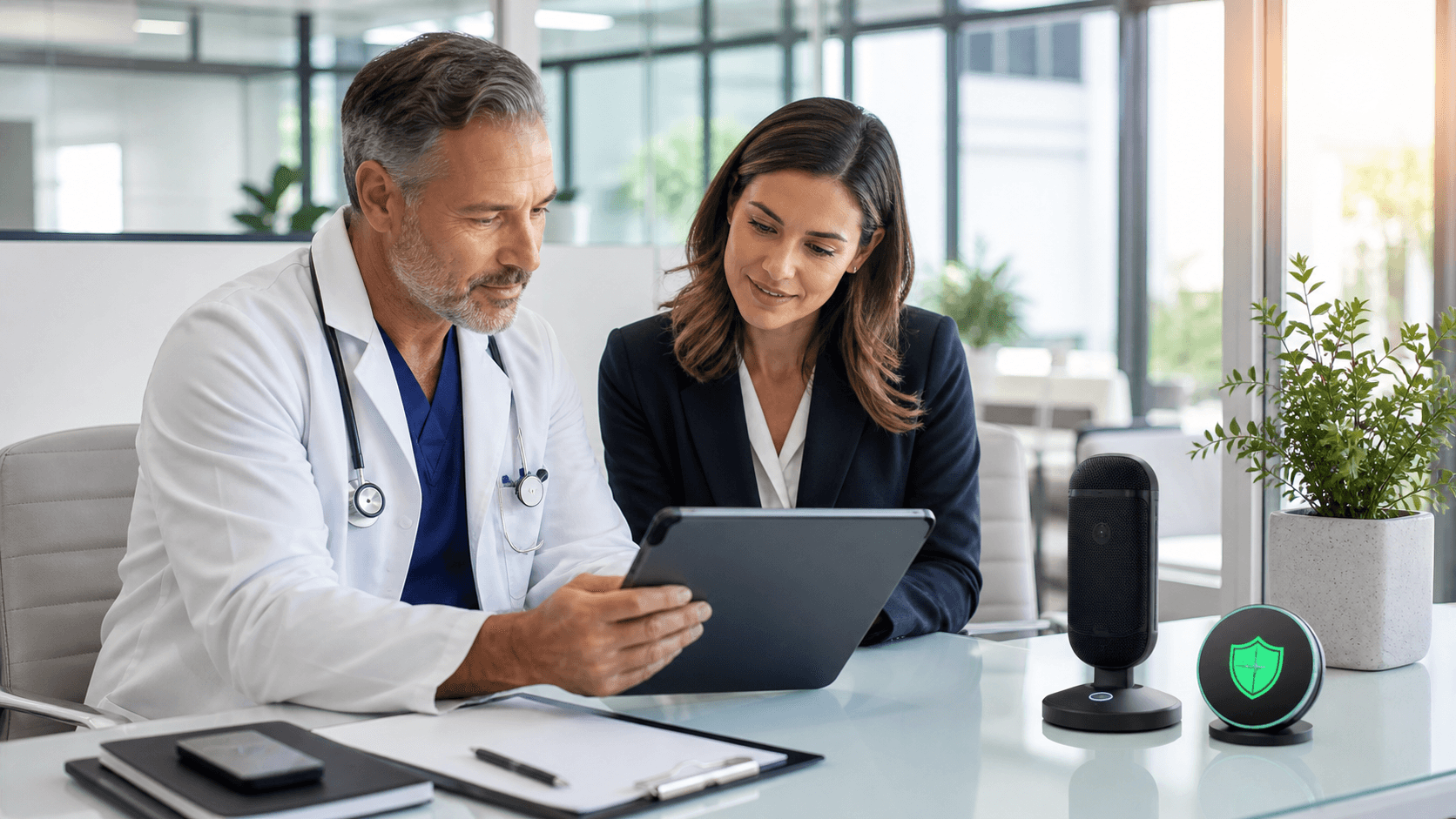
Dictation is powerful, but mobile teams can go even further with AI medical scribes. Instead of only turning spoken words into text, an AI scribe listens to the visit and creates a structured draft note that follows your style and standards.
We configure AI scribes to match mobile clinic realities:
- Shorter visits and focused screening encounters
- Common community care topics, like vaccines and health education
- Encounters that may switch between languages
- Clear follow-up instructions that need to be printed or shared on the spot
With this setup, a draft note can be ready during or right after the visit on a MacBook. The clinician reviews, edits if needed, then signs. That can cut down on late-night charting after a long drive back from outreach sites.
Because visits often happen in public or semi-public places, safeguards matter. That includes:
- Secure handling of PHI
- Protected paths for transcription
- Alignment with HIPAA and your organization's privacy rules
We support teams with governance frameworks and training so AI scribes are used in ways that match real-world clinical and legal needs.
Building Compliance Into Every Mobile Encounter
Mobile care brings unique compliance questions. Teams work in varied locations, share devices, jump between networks, and sometimes finish notes while riding between stops. It is easy for required elements to be missed.
Healthcare compliance monitoring tools can help by flagging missing or weak documentation before claims go out, such as:
- Required consent or education language
- Screening questions tied to specific programs
- Time-based billing details
- Key risk or chronic condition fields
Rules engines can be tuned to fit:
- Your internal policies
- Payer rules that matter for your contracts
- State regulations that apply to mobile and community care
When medical dictation software for Mac is paired with automated compliance checks, mobile teams get a consistent safety net. Rotating staff can still deliver notes that look and feel the same, with fewer surprises during audits or billing reviews.
Designing a Summer-Ready Mobile Documentation Playbook
A strong summer plan starts before the first outreach event. Mobile leaders can walk through a simple framework:
- Review the device mix, including which units have Macs
- Map where Wi-Fi is reliable and where offline workflows are needed
- Check how the EHR is used in the field versus in the main clinic
Next, define clear roles around voice tools:
- Who dictates at the point of care?
- Who reviews AI scribe drafts and when?
- How and where are notes finalized and coded on Mac devices?
Creating seasonal templates and voice commands helps even more. For example, teams can build voice-driven templates for sports exams, camp visits, vaccine clinics, and community health fairs. With the right commands, entire note sections can appear after a few spoken words, ready for small edits.
Change management matters just as much as the technology. Short training sessions, quick practice runs inside the van, and real-world drills help clinicians feel confident before they face a busy parking lot line. Simple metrics like note completion time, documentation lag, and correction rates can show what is working and where workflows need small adjustments.
When summer heat, high volume, and limited space all collide, mobile teams that lean on smart Mac-based voice tools are better prepared to stay present with patients while still protecting documentation quality and compliance.
Streamline Your Clinical Documentation Workflow Today
If you are ready to reduce charting time and focus more on patient care, our medical dictation software for Mac is built to fit seamlessly into your daily routine. At Dictation Direct, we work closely with clinicians to create tools that keep documentation accurate, secure, and efficient. Sign up for a consultation today so we can help you configure a setup that matches your practice and workload.